Overview
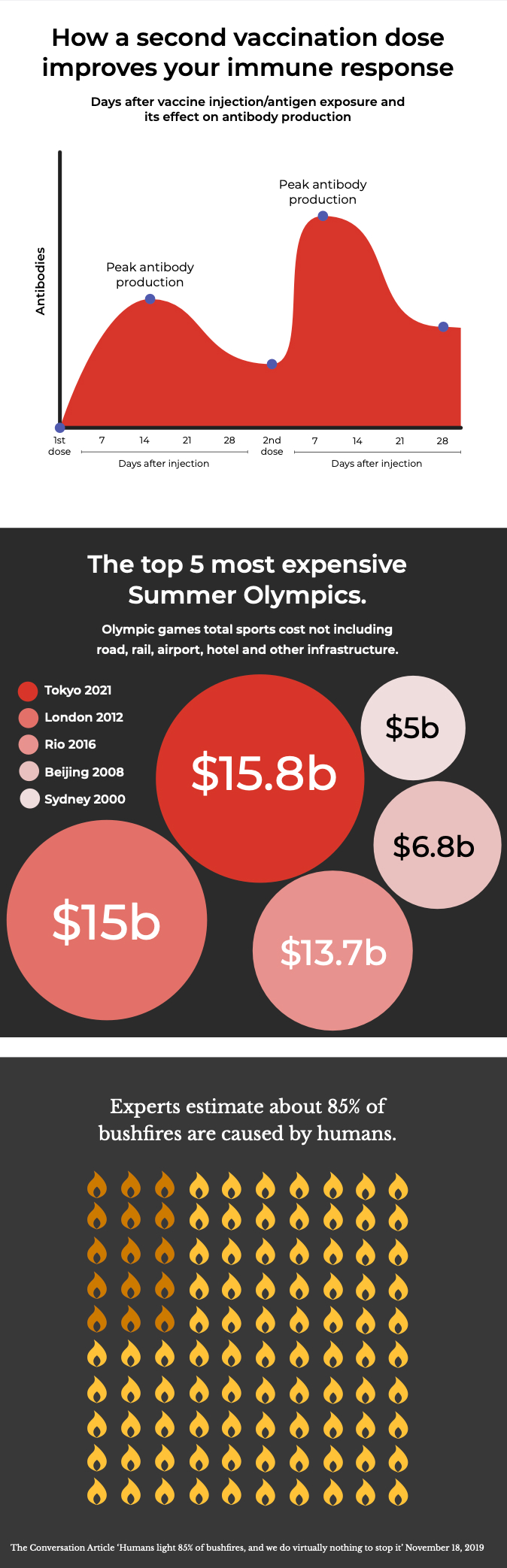
Create clear, accessible data visualisations by following a consistent colour sequence and applying thoughtful spacing to achieve contrast between data points.
- Keep designs simple and clear
- Include text-alternative descriptions
- Be consistent with colour choices
- Use low contrast combinations
- Overlay text on graphics
- Create too many variations
Colour palette
Start with our base palette and only use the extended palette when you need additional meaning and emphasis. Use the scale when you need to represent different intensities or values.
If you need more than 7 colours, consider breaking your data into several simpler charts instead.
Base palette
| Name | Value | |
|---|---|---|
| red 500 | #d8352a | |
| indigo 500 | #505aaf | |
| white | #ffffff | |
| black | #000000 |
Extended palette
| Name | Value | |
|---|---|---|
| blue 500 | #33a8cc | |
| green 500 | #40bf95 | |
| yellow 500 | #feaa01 |
Colour scales
Colour association
Use these when representing data that has established colour associations, such as true/false (green/red) or political affiliations (red/blue). Choose colours from our palette that align most closely with the information you're conveying, and always check colours against a contrast checker to ensure accessibility. Keep all text and supporting elements neutral.